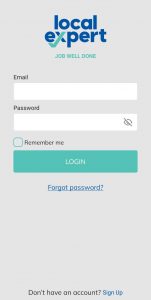

- Open the Local Expert app on your device.

- Log in into your Local Expert Service Provider account.
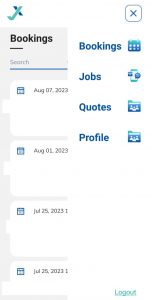
- Click on Profile in the top right menu.

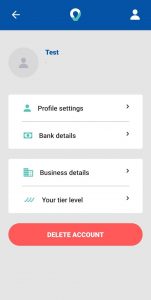
- At the bottom of the screen, you will find the Delete Account button.
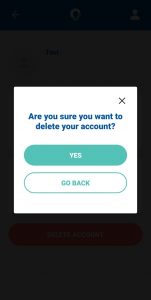
- Click on the Delete Account button and confirm account deletion.
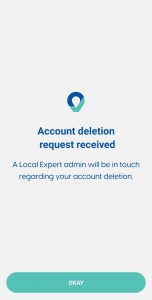
A member of the Local Expert admin team will reach out to you regarding your account deletion.